Transform your WordPress website into a global powerhouse with XTM’s seamless WordPress integration. Connect your content management system directly to our translation platform and reach international audiences faster than ever before. No technical headaches, no manual file transfers, just smooth automated workflows that keep your multilingual content flowing.












Say goodbye to the hassle of manual content exports and messy file management. Our WordPress integration creates a direct bridge between your website and XTM’s powerful translation platform.
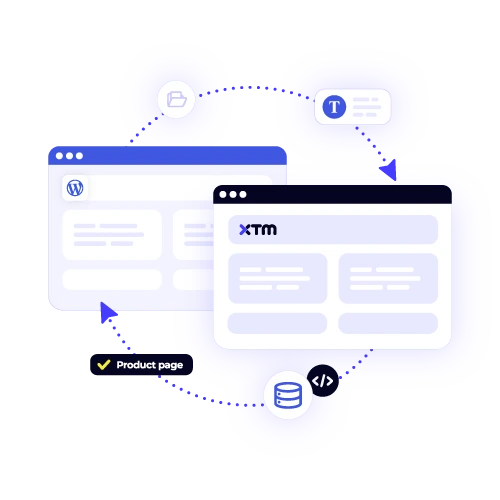
Your WordPress posts, pages, and custom fields sync automatically with XTM. No more copying and pasting content or worrying about version control issues.
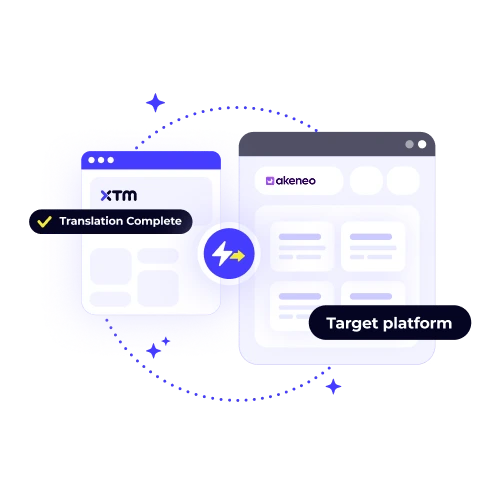
See your translated content appear in WordPress as soon as translators finish their work. Your multilingual sites stay current without any extra effort from your team.
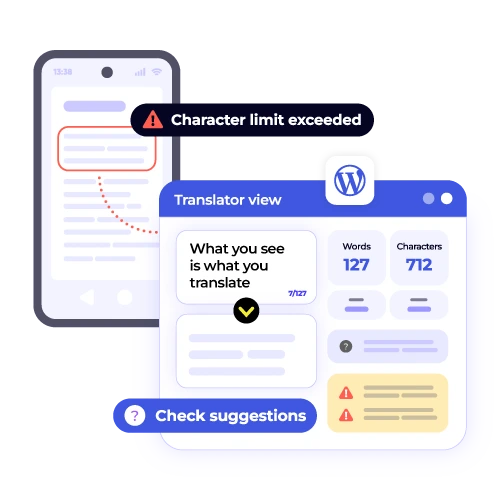
Translate everything from meta descriptions to custom post types. Our WordPress plugin captures all your translatable content, not just the obvious bits.
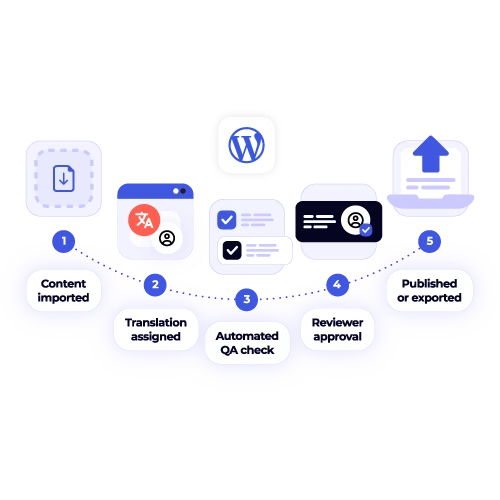
Set up rules that automatically send new content for translation based on your publishing schedule. Your global content strategy runs itself.
Connect your WordPress site to XTM in three simple steps. The whole process takes less than ten minutes to set up.

Deepak Nagabhushana
Staff Localization Project Manager, GoTo

Dominic Pemberton
VP of Content, RS Group

Alex Katsambas
Senior Head of Localization Services, FARFETCH

Vincent Rigal
CAT Tools Products Owner, Acolad

XTM is the translation management platform that makes global content simple for growing businesses.
We handle everything from finding the right translators to managing complex workflows across dozens of languages. Think of us as your translation department, minus the overhead.
Coordinate projects across multiple languages and teams from one central hub.
Built-in review processes ensure your translated content meets your brand standards.
Professional translators use their preferred tools while staying connected to your workflow.
Set up rules that handle routine tasks so your team can focus on strategy.
Bring together translators, reviewers, and project managers from around the world.
Track translation costs, timelines, and quality metrics to optimise your global content strategy.


Yes, our WordPress localization plugin is designed to be highly compatible and versatile, ensuring it works seamlessly with any theme or page builder you may be using. This includes popular options such as Elementor, Divi, and Gutenberg, among others. The plugin is capable of capturing and processing content from various sources within your site. It effectively handles custom fields, meta descriptions, and content generated by other plugins, allowing you to localize and manage your website’s content effortlessly across different platforms and functionalities.
Absolutely. Our WordPress translation plugin is designed to fully support WooCommerce, ensuring that every aspect of your online store can be translated seamlessly. This includes detailed product descriptions, product categories, and all elements of the checkout process, such as billing and shipping fields. Additionally, it covers email notifications, which can be customized to communicate with your customers in their preferred language. With our plugin, your entire ecommerce experience is localized, allowing you to reach a global audience and offer a more personalized shopping experience.
Setting up the WordPress integration is typically a quick and straightforward process, often taking most users less than ten minutes to complete. Begin by installing our dedicated plugin, which is designed to streamline the integration process. Once the plugin is installed, connect your XTM account to ensure seamless communication between the platforms. Next, you’ll need to select the specific content types you wish to translate, allowing you to tailor the integration to your needs. With these simple steps, you’re ready to start translating your WordPress content efficiently and effectively.
When you update content that has already been translated, our WordPress app is designed to efficiently handle these changes. It automatically detects any modifications made to the existing content and initiates new translation jobs specifically for the updated sections. This means that only the parts of the content that have been altered will be sent for translation, ensuring that your translated material remains current and accurate. Importantly, this process is cost-effective since you are not charged for retranslating parts of the content that have not changed, saving you both time and money.
Absolutely, you can use your existing WordPress multilingual site structure with XTM. Our platform seamlessly integrates with popular multilingual plugins such as WPML and Polylang, ensuring compatibility and smooth operation with your current setup. If you’re already using these plugins to manage your multilingual content, XTM will enhance your workflow without requiring significant changes. Additionally, if you’re in the process of creating a new multilingual site, we offer assistance in setting up an efficient and effective multilingual structure from the ground up, tailored to your specific needs.
No, you don’t need technical skills to use the WordPress integration. The plugin installs just like any other WordPress plugin, making the process straightforward and user-friendly. Our interface is specifically designed with content managers and marketers in mind, ensuring that it’s intuitive and easy to navigate. The technical setup required is minimal, so you can focus more on creating and managing your content rather than dealing with complex configurations. Even if you’re new to WordPress, you’ll find the integration process hassle-free and manageable.
The cost of WordPress localization with XTM varies based on the amount of content you need to translate and the specific language combinations you require. Typically, customers find that they save money when using XTM compared to traditional translation agencies. This cost-effectiveness is due to XTM’s automated workflows, which streamline the translation process, and our competitive rates, which are designed to be affordable. By minimizing manual intervention through automation, XTM reduces overhead costs, making localization more budget-friendly for users.
Yes, our WordPress translation plugin is designed to seamlessly capture and translate all custom post types, custom fields, and metadata. This ensures that your entire website content, regardless of how it is structured, is accurately translated. Whether you’re utilizing popular plugins like Advanced Custom Fields to manage your data or relying on custom-coded solutions, our plugin efficiently handles the translation process. It ensures that your website’s unique content is accessible to a multilingual audience, providing a consistent user experience across different languages.
Dig deeper into how XTM delivers faster localization, greater control, and real ROI—so you can make the right call for your team.